



Equivalent PartsCross-reference listings may have additional stockCheck Stock →
DISHWASHER BUTTONS OR DISPLAY ARE UNRESPONSIVE
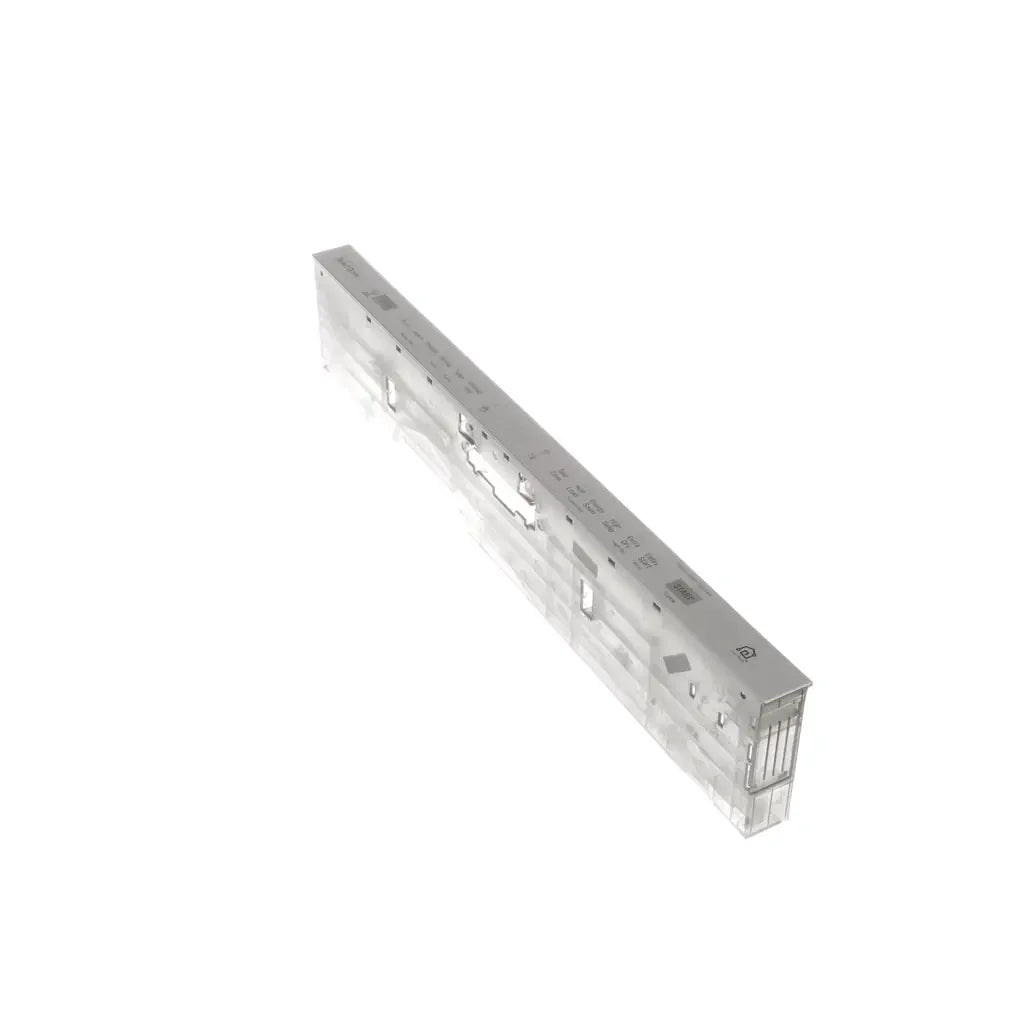
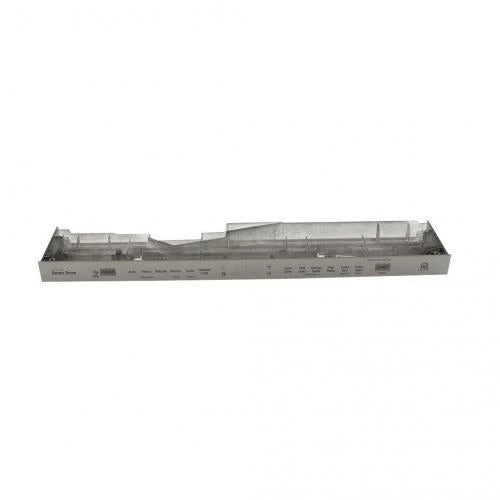
LG Dishwasher Control Panel + PCB AGM75469902, Fixes Dishwasher buttons or display are unresponsive
Genuine LG dishwasher control panel with PCB. The assembly houses the dishwasher selection buttons and display and provides the user interface for cycle selection and status monitoring.
Part AGM75469902LG
Confirm your full appliance model number before ordering.
Is This the Right Part?
Part NumberAGM75469902
ManufacturerLG
Appliance TypeDishwasher
Part TypeDishwasher Control Panel + PCB
✅ Cross Reference Information
Current Part NumberAGM75469902
Common Symptoms
- No display or a partially missing display
- Some selection buttons do not respond
- Dishwasher controls operate intermittently
- Dishwasher starts or stops unexpectedly due to a control-panel fault
- Control-panel lights flash or behave abnormally
Check Before Replacing
- Verify the dishwasher has electrical power and perform a power reset before condemning the panel.
- With power disconnected, inspect the visible control-panel area for moisture, residue, physical damage, or stuck buttons.
- Confirm whether the display and individual selection buttons respond consistently; record which functions fail.
- With the dishwasher de-energized, check that the control-panel wiring connectors are fully seated and show no obvious damage.
- Verify the appliance model number against the approved compatibility record before ordering or installing the assembly.
Pro Tip
If only certain buttons fail while the dishwasher still has power, compare the unresponsive controls with the display behavior; a localized user-interface fault points more specifically toward the control-panel assembly than a general power problem.
Part Details
Part NumberAGM75469902
Part TypeDishwasher Control Panel + PCB
ManufacturerLG
Appliance TypeDishwasher
Primary FunctionProvides the dishwasher user interface by housing the cycle-selection buttons, display, and associated PCB electronics.
Installation Notes
- Disconnect electrical power by unplugging the dishwasher or switching off its circuit breaker before installation.
- Wear work gloves to help protect hands while handling the door and panel assembly.
- Keep wiring connectors identified and fully seated during reassembly; do not force or alter connectors.
- Follow the service information for the exact dishwasher model because panel access and retained components can vary.
- Restore power only after the panel and wiring are secured and the door assembly is reassembled.
Verified Compatible Models
Fitment reminder: Verified compatibility is maintained by the XPart Model Hub Network. Match the complete appliance model number before ordering.
Buy Online Pick Up In-Store
Address
101 Trillium Dr
Kitchener, Ontario N2E 1W8
Kitchener, Ontario N2E 1W8
Phone
Hours
Mon–Fri 9 AM–5 PM • Sat 9 AM–1 PM
