

WASHER WON'T START OR TURN ON
Whirlpool Washer Motor Control Board WPW10197864, Fixes Washer won't start or turn on
Whirlpool OEM motor control board/control unit that monitors and controls washer drive-motor speeds and directions. The part is used in residential and commercial washers, including Whirlpool, Maytag, and Kenmore models.
Part WPW10197864Whirlpool
Guaranteed to Fit — or your money back.
Confirm your full appliance model number before ordering.
Confirm your full appliance model number before ordering.
Is This the Right Part?
Part NumberWPW10197864
ManufacturerWhirlpool
Appliance TypeWasher
Part TypeMotor Control Board
✅ Cross Reference Information
Current Part NumberWPW10197864
Common Symptoms
- Washer won't start or turn on
- No power to washer (appears dead)
- Washer displays error codes that won't clear
- Washer starts but stops mid-cycle
- Washer won't advance to next cycle
- Buttons or controls unresponsive
- Washer won't fill, wash, rinse, or spin
- Random error codes appearing
- Washer runs but won't drain
- Cycle times are incorrect
- Washer makes clicking sounds but won't start
- Display flickers or goes blank
- Washer locks up and won't respond
Pro Tip
Before replacing the control board
Part Details
Part NumberWPW10197864
Part TypeMotor Control Board
ManufacturerWhirlpool
Appliance TypeWasher
Installation Notes
- Disconnect power
- – Unplug the washer or turn off the circuit breaker.
- Locate the control board
- – For top-load washers, the control board is typically located inside the console at the back of the machine. For front-load washers, it's usually behind the top panel or inside the back panel.
- Remove the console or access panel
- – Unscrew the screws securing the console (usually at the back) and flip it forward or remove the rear access panel.
- Take a photo
- – Document all wire connections before disconnecting anything.
- Disconnect wire harnesses
- – Carefully unplug all wire connectors from the control board. Note: some connectors have locking tabs that must be released.
- Remove mounting screws
- – Unscrew the screws or release the clips securing the control board to the console or bracket.
- Remove old control board
- – Carefully lift the board out of the housing.
- Transfer any components
- – If the new board doesn't include the housing, transfer the board to the existing housing/bracket.
- Install new control board
- – Position the new WPW10197864 board and secure with mounting screws or clips.
- Reconnect all wire harnesses
- – Plug in all connectors, ensuring they're fully seated and locked.
- Reinstall console or access panel
- – Flip the console back into position or replace the panel and secure with screws.
- Restore power
- – Plug in the washer or turn on the breaker.
- Run a test cycle
- – Run a complete wash cycle to verify all functions work properly.
Verified Compatible Models
11046462500, 11046462501, 11046472500, 11046472501, CHW9900VQ0, CHW9900VQ1, CHW9900WQ0, MAH22PDAWW0, MAH22PDAWW1, MAH22PDAXW0, MAH22PDAXW1, MAH22PDBWW0, MAH22PDBXW0, MAH22PRAWW0, MAH22PRAWW1
Fitment reminder: Match the complete appliance model number, including suffix or revision where applicable, before ordering.
Buy Online Pick Up In-Store
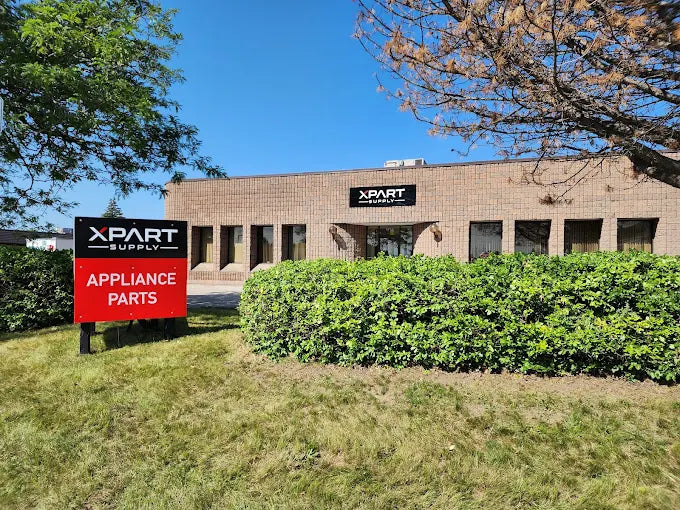
Address
101 Trillium Dr
Kitchener, Ontario N2E 1W8
Kitchener, Ontario N2E 1W8
Phone
Hours
Mon–Fri 9 AM–5 PM • Sat 9 AM–1 PM