



MICROWAVE IS LOOSE, UNSTABLE, OR CANNOT BE SECURELY MOUNTED BECAUSE THE WALL PLATE IS MISSING OR DAMAGED
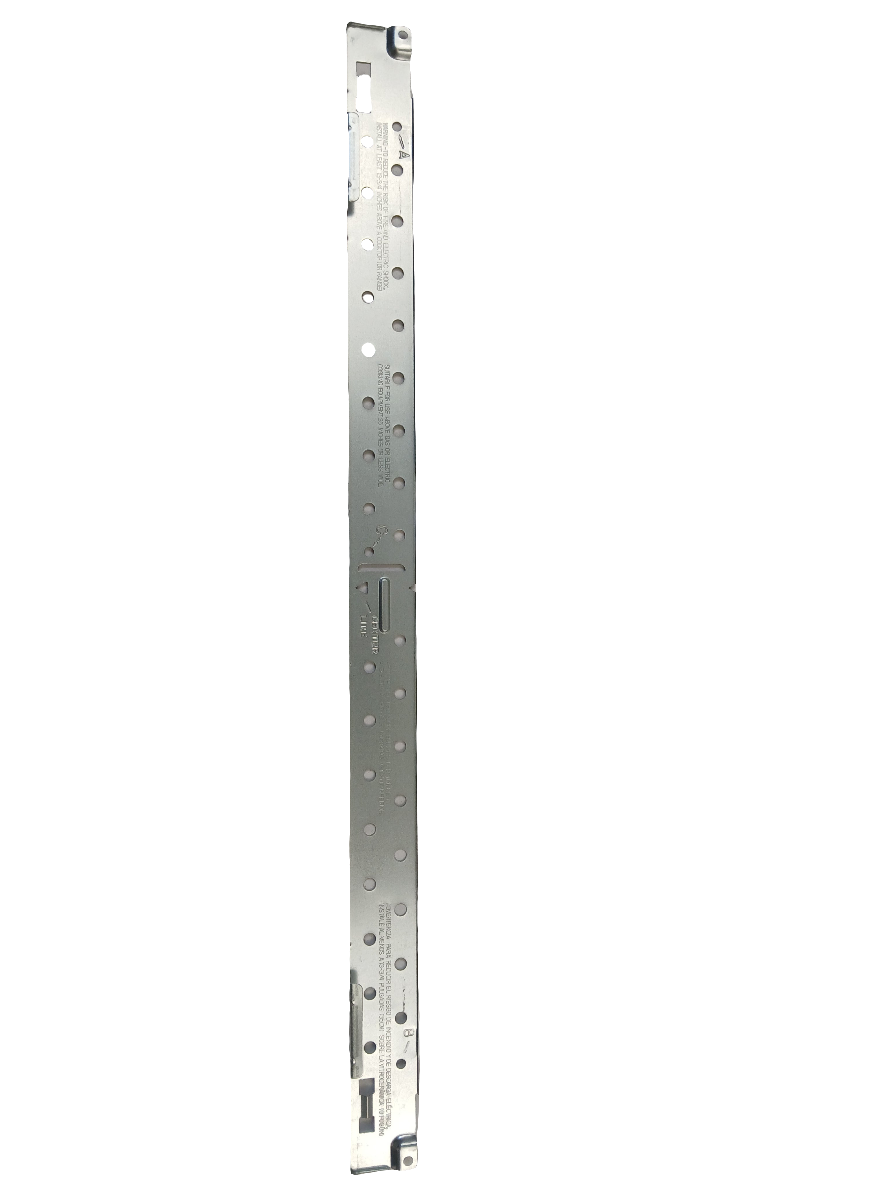
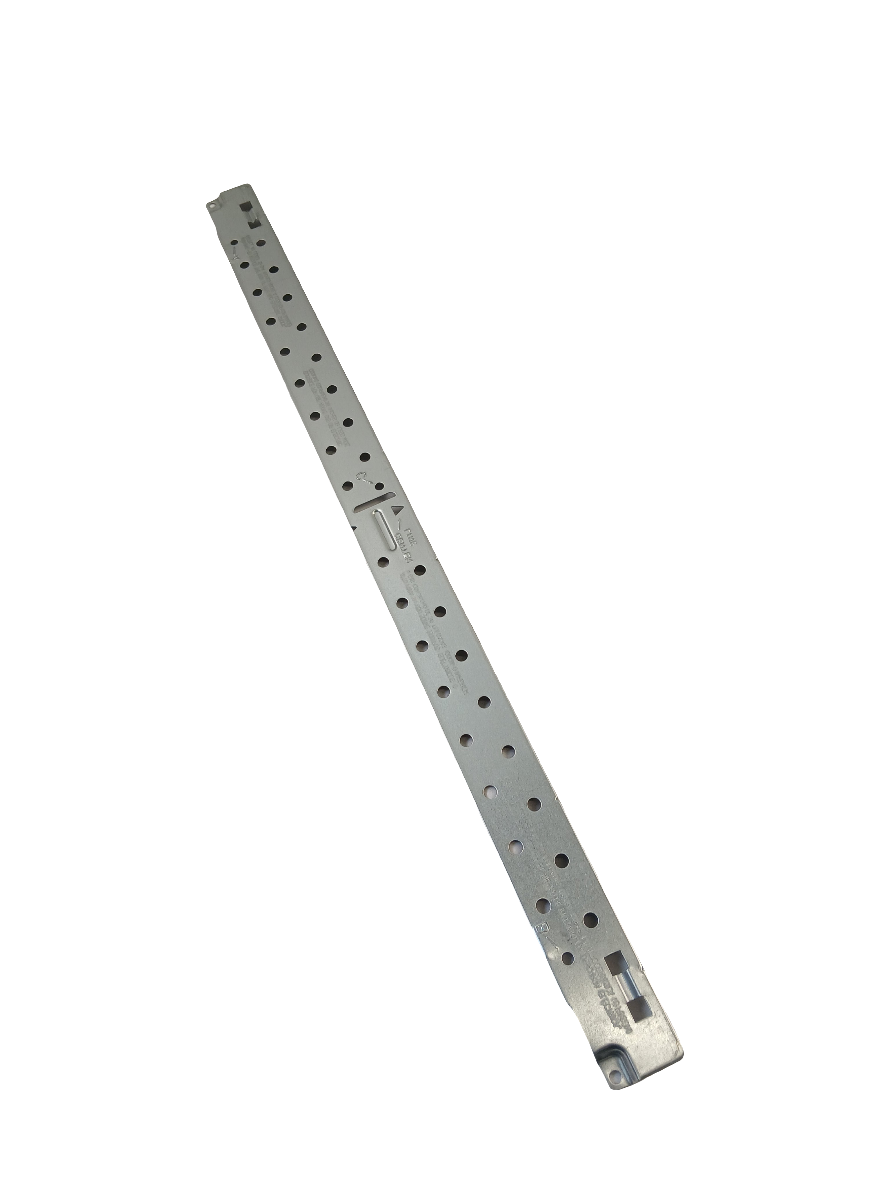
LG Microwave Mounting Plate / Wall Mounting Bracket 3300W0A045A, Fixes Microwave is loose, unstable, or cannot be securely mounted because the wall plate is missing or damaged
Genuine LG metal mounting plate that secures an over-the-range microwave to the wall during installation.
Part 3300W0A045ALG
Guaranteed to Fit — or your money back.
Confirm your full appliance model number before ordering.
Confirm your full appliance model number before ordering.
Is This the Right Part?
Part Number3300W0A045A
ManufacturerLG
Appliance TypeMicrowave
Part TypeMicrowave Mounting Plate / Wall Mounting Bracket
Common Symptoms
- Microwave wobbles or shifts after installation
- Microwave cannot be securely anchored to the wall
- Mounting plate is bent, damaged, or missing
Check Before Replacing
- Inspect the existing wall plate for bending, cracks, deformation, or missing sections.
- Confirm that the microwave mounting hooks and wall fasteners engage the replacement plate correctly.
- Verify the appliance model before installation because mounting plates are model-specific.
Pro Tip
Confirm the complete microwave model number before ordering; mounting-plate compatibility should not be inferred from appearance alone.
Part Details
Part Number3300W0A045A
Part TypeMicrowave Mounting Plate / Wall Mounting Bracket
ManufacturerLG
Appliance TypeMicrowave
Primary FunctionSupports and anchors an over-the-range microwave against the wall.
Installation Notes
- Disconnect electrical power before beginning installation.
- Wear protective gloves when handling the metal mounting plate.
- Follow the microwave's installation instructions and secure the plate to suitable wall structure as specified by the appliance documentation.
Verified Compatible Models
Fitment reminder: Verified compatibility is maintained by the XPart Model Hub Network. Match the complete appliance model number before ordering.
Buy Online Pick Up In-Store
Address
101 Trillium Dr
Kitchener, Ontario N2E 1W8
Kitchener, Ontario N2E 1W8
Phone
Hours
Mon–Fri 9 AM–5 PM • Sat 9 AM–1 PM
