



BUTTONS OR DISPLAY BECOME UNRESPONSIVE
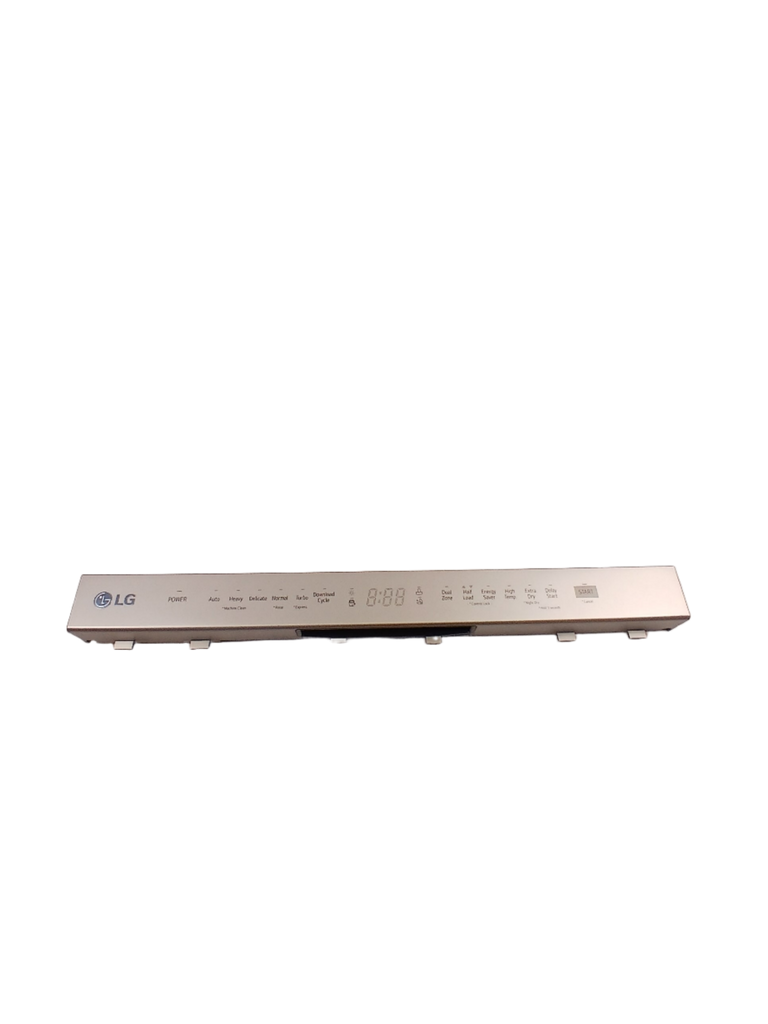
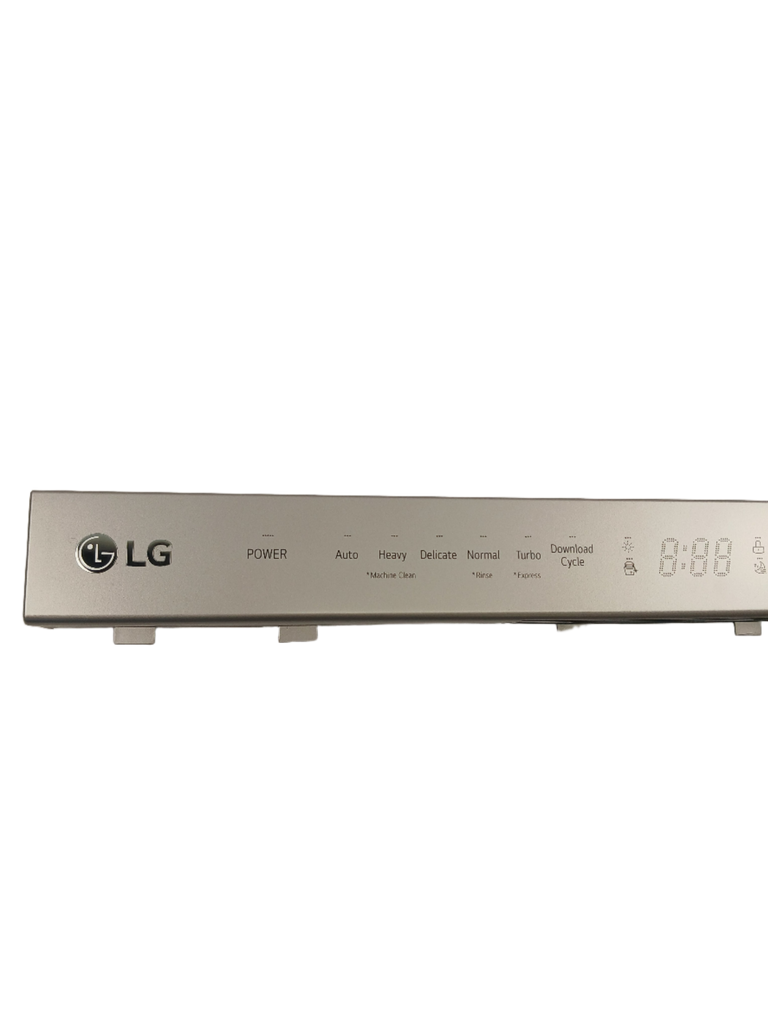
LG Dishwasher Control Panel Assembly AGL75172632, Fixes Buttons or display become unresponsive
Genuine LG dishwasher control panel assembly containing the user-interface buttons and display controls for selecting wash cycles, options, and related dishwasher functions.
Part AGL75172632Replaces AGL75172601, AGL75172610, AGM75469901LG
Guaranteed to Fit — or your money back.
Confirm your full appliance model number before ordering.
Confirm your full appliance model number before ordering.
Is This the Right Part?
Part NumberAGL75172632
ReplacesAGL75172601, AGL75172610, AGM75469901
ManufacturerLG
Appliance TypeDishwasher
Part TypeDishwasher Control Panel Assembly
✅ Cross Reference Information
Current Part NumberAGL75172632
ReplacesAGL75172601, AGL75172610, AGM75469901
Common Symptoms
- Dishwasher will not start because control-panel inputs are not registering.
- Display may be dark, dim, flickering, or intermittently unavailable.
- Buttons may behave erratically or activate without intended input.
- Cycle or option selections may not respond normally.
Check Before Replacing
- Confirm the dishwasher has power at the circuit breaker and that the door is fully closed before attributing the issue to the control panel.
- With power disconnected, visually inspect the control panel for cracked plastic, liquid intrusion, corrosion, or physical button damage.
- After disconnecting power, inspect the control-panel wire connector for looseness, visible damage, or corrosion; do not force the connector.
- Compare the replacement panel’s button layout, display opening, connector arrangement, and model compatibility before installation.
Pro Tip
If the dishwasher has power but the buttons or display remain intermittent or unresponsive, check the control-panel connector and panel condition before replacing the main control board.
Part Details
Part NumberAGL75172632
Part TypeDishwasher Control Panel Assembly
ManufacturerLG
Appliance TypeDishwasher
Primary FunctionProvides the dishwasher user interface by housing the cycle-selection buttons, option controls, start/stop control, and status display.
Installation Notes
- Disconnect electrical power at the circuit breaker or unplug the dishwasher before servicing.
- Handle the control-panel wire connector carefully and release its locking feature rather than pulling on the wires.
- Reinstall the panel securely and restore the door-panel fasteners without forcing or overtightening them.
- Verify the exact dishwasher model and connector compatibility before fitting the part.
- If the panel or wiring shows moisture damage, investigate and correct the source before completing the repair.
Verified Compatible Models
DUA512FC.ASSESNA, DUA513FC.ASSESNA, DUA513FT.ASTEEUS, LDF5545BB/00, LDF5545BD/00, LDF5545SS/00, LDF5545ST/00, LDF5545WW/00, LDFN454HT/00, LDFN4542D/00, LDFN4542S/00, LDP6810SS/00, LDPN6761T/00, LDT7808BM/00, LUDP8908SN
Fitment reminder: Match the complete appliance model number, including suffix or revision where applicable, before ordering.
Buy Online Pick Up In-Store
Address
101 Trillium Dr
Kitchener, Ontario N2E 1W8
Kitchener, Ontario N2E 1W8
Phone
Hours
Mon–Fri 9 AM–5 PM • Sat 9 AM–1 PM

All brand names are the property of their respective owners and are used for compatibility reference only.

