
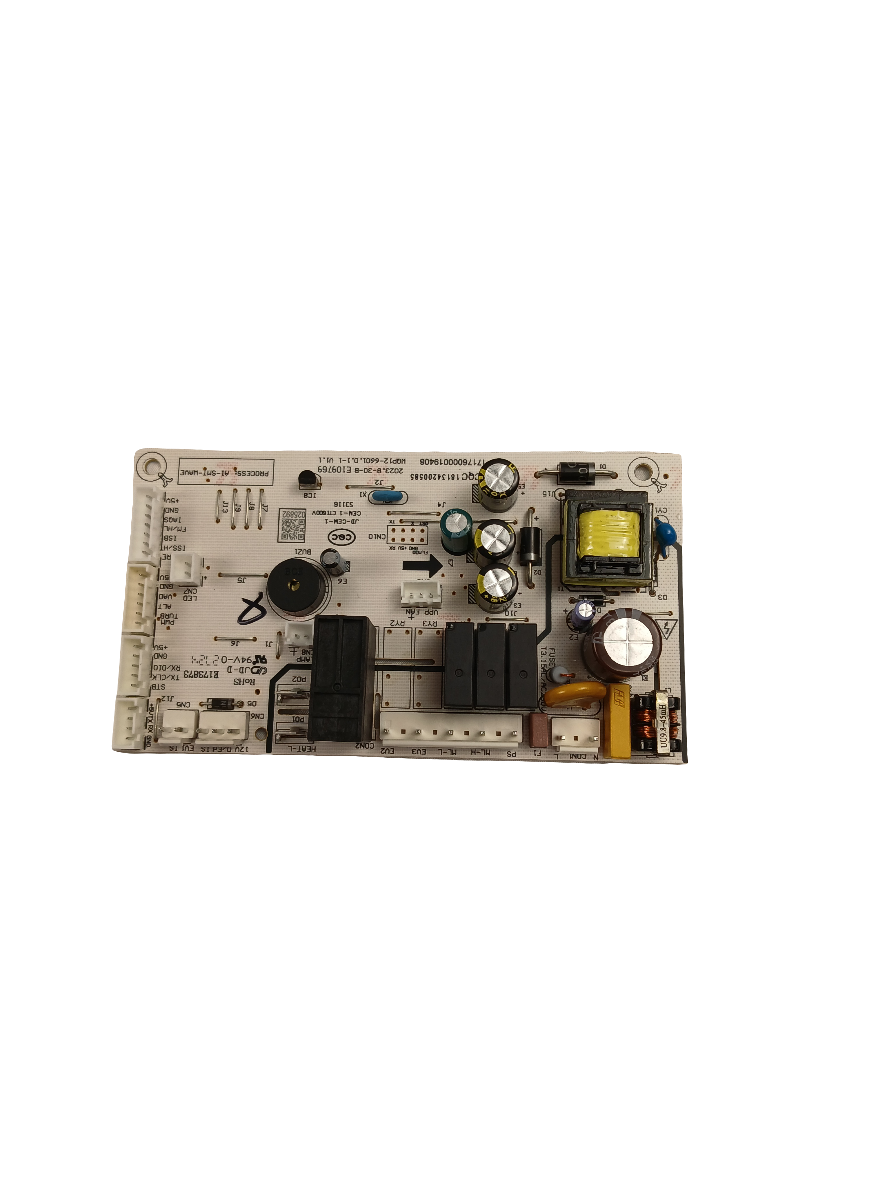
WG04F11417 Dishwasher Main Control Panel

WG04F11417 Dishwasher Main Control Panel

Sale price
$114.97
Regular price
$125.97

XPart Verified Replacement  |  SKU 9665363116321

Frequently Bought Together

Genuine OEM Replacement Part

WG04F11417 Dishwasher Main Control Panel

Part# WG04F11417 Fits GE GBF410 Series

Dishwasher Buttons Unresponsive or Panel Dead? Control Panel WG04F11417 – Fix It Fast

An unresponsive or dead control panel is one of the most frustrating dishwasher failures — the machine won't start, buttons don't register, and cycles can't be selected. In GE dishwashers, the main control panel houses the user interface board and cycle selector — when it fails, the entire machine becomes inoperable. ⚡ Common failure point in GE-built dishwashers. Part WG04F11417 is the genuine OEM replacement that restores full button response and cycle control with no modification required.

❓ Is This the Right Part?

This is the correct fix if ALL of the following are true:

  • ✔ Your dishwasher receives power — door latch engages and machine has continuity
  • ✔ The main control board (behind the door) has been confirmed functional
  • ✔ Water supply and drain are confirmed clear
  • ✔ The door latch and door switch are working correctly
  • ✔ ONLY problem is unresponsive buttons, blank display, or panel not registering input

🔧 Common Symptoms

  • Dishwasher won't start — pressing Start has no effect
  • Control panel buttons unresponsive or require multiple presses
  • Display blank, flickering, or showing garbled characters
  • Cycle selection buttons stuck or non-functional
  • Dishwasher starts random cycles or behaves erratically
  • Panel lights on but machine won't respond to any input

✔ If these symptoms match, the main control panel is the most likely failed component.

✔ In most cases, replacing this control panel restores full dishwasher operation immediately.

📦 Part Details

  • Part Number: WG04F11417
  • Type: Dishwasher Main Control Panel (User Interface Assembly)
  • Replaces: OEM direct-fit control panel assembly (no modification required)
  • Brands: GE

⚙️ Installation Notes

Skill Level: Moderate — 20–30 min. Disconnect power before beginning. Open the dishwasher door and remove the inner door panel screws around the perimeter to separate the outer door panel. Carefully disconnect the ribbon cable and wire harness connectors from the back of the control panel — note connector positions before removing. Snap or screw the new panel into place, reconnect all connectors, and reassemble the door. Restore power and test all buttons before closing up.

💡 Pro Tip

Check the Ribbon Cable First:
Before replacing the full control panel, inspect the ribbon cable connecting the panel to the main control board for tears, kinks, or loose seating. A damaged or unseated ribbon cable causes identical symptoms to a failed panel and costs a fraction of the price to fix. If the ribbon is intact and properly seated, the panel itself is your fix.

GBF410 Series Repair Hub

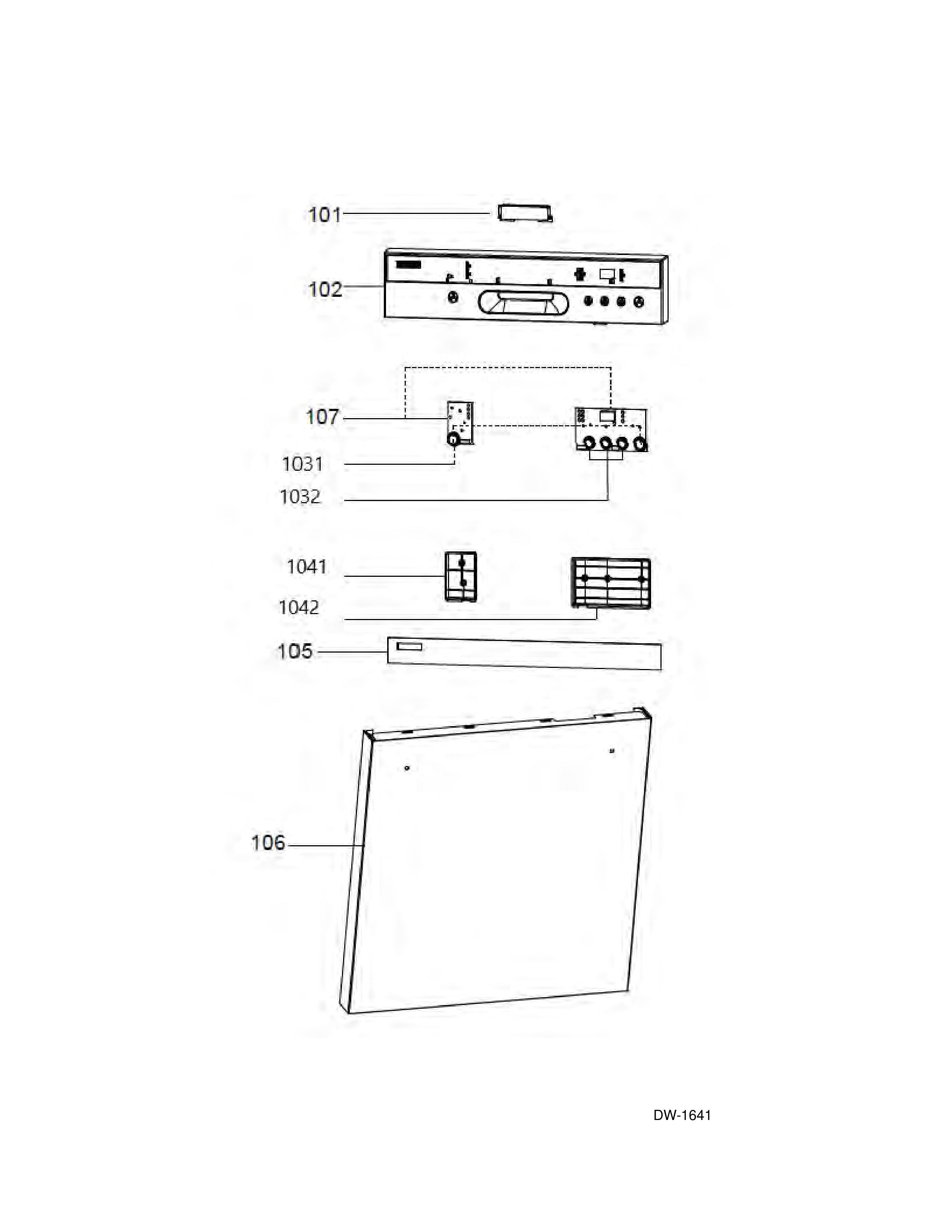
WG04F11417 – Parts Diagram

✅Compatibility & Cross Reference

Not sure about your model number? Call 1-877-899-7278 and we’ll help you confirm. All brand names are the property of their respective owners and are used for compatibility reference only.

Buy Online Pick Up In-Store

Address
101 Trillium Dr
Kitchener, Ontario N2E 1W8
Hours
Mon–Fri 9 AM–5 PM • Sat 9 AM–1 PM

Get Directions