

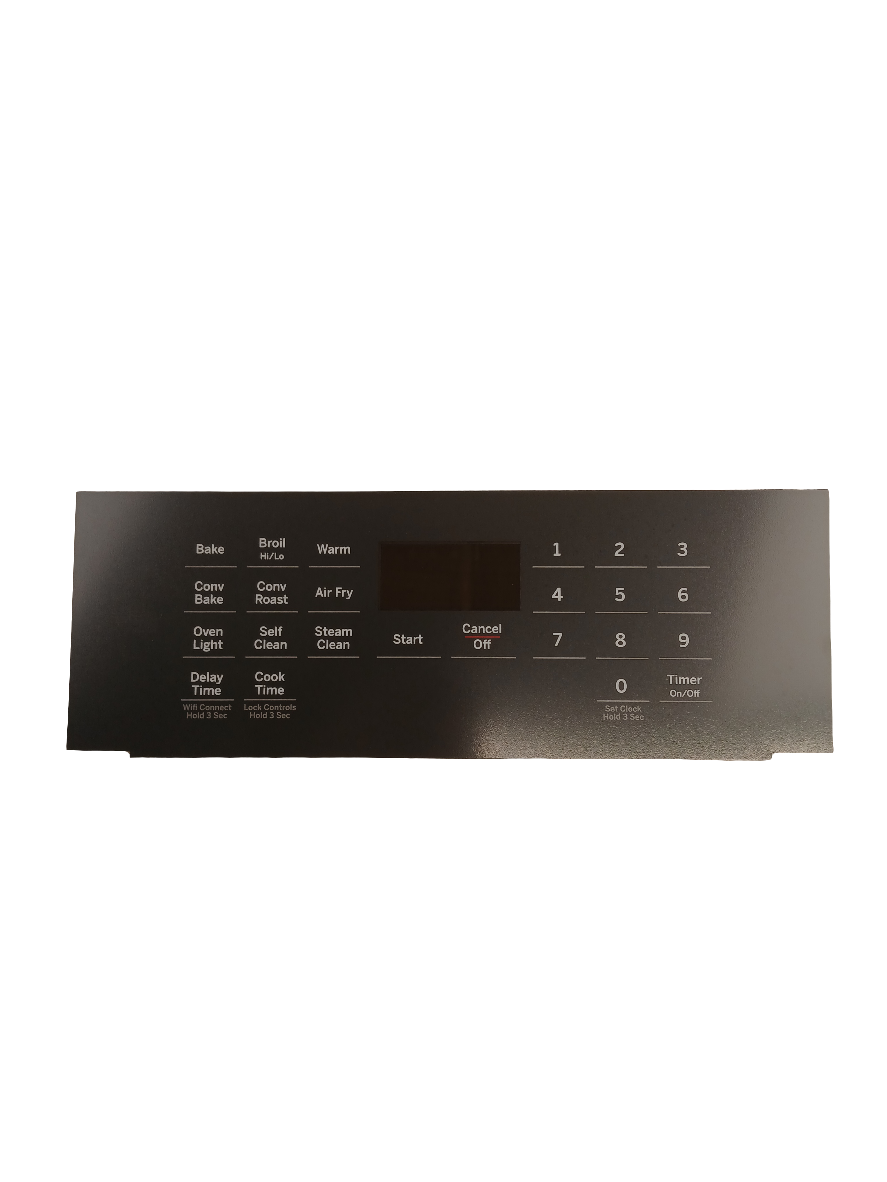
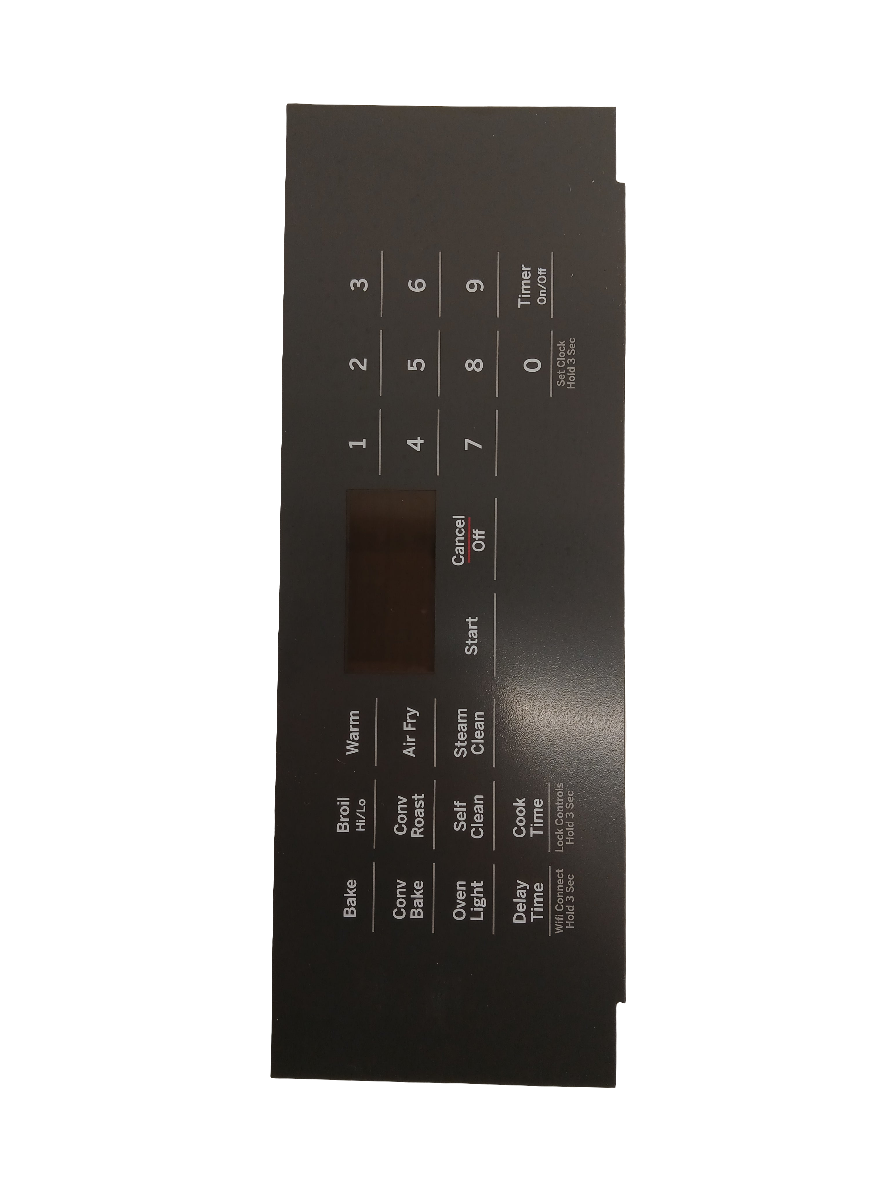


GE Gas Range Control Panel Faded or Unreadable? Oven Control Overlay WS01L18767 – Restore Your Panel Fast
A faded, cracked, or peeling control overlay makes your range look worn-out and can make it impossible to read burner settings or oven functions safely. In most GE gas ranges, the control overlay is a cosmetic and functional face panel that sits over the control board interface — it takes daily heat, grease, and cleaning abuse. When it fails, the printed labels fade or peel, the surface cracks, or the overlay warps and lifts at the edges. ⚡ Common wear item in GE-built gas ranges. Part WS01L18767 is the genuine OEM replacement that restores a factory-fresh appearance and fully readable controls — exact fit, no modification required.
❓ Is This the Right Part?
This is the correct fix if ALL of the following are true:
- ✔ Your range powers on and all functions operate correctly
- ✔ The control board itself is working — buttons respond and oven heats normally
- ✔ The issue is cosmetic — the overlay surface is faded, cracked, peeling, or damaged
- ✔ ONLY problem is the appearance or readability of the control panel face
Not sure? Send us your model number — we’ll confirm before you order.
🔧 Common Symptoms
- Control panel labels are faded, worn off, or unreadable
- Overlay surface is cracked, chipped, or peeling at the edges
- Panel looks discoloured or stained from heat and grease exposure
- Overlay is warped or lifting away from the control panel frame
✔ If these symptoms match, this is the most likely failed component in the system.
✔ In most cases, replacing this control overlay restores a factory-fresh appearance immediately.
📦 Part Details
- Part Number: WS01L18767
- Type: Range Oven Control Overlay — decorative and functional face panel for the control board interface
- Replaces: 295D4248P009
- Brands: GE, Cafe (verify by model number)
While the overlay is off, inspect the control board buttons and membrane beneath — if any buttons feel sticky, unresponsive, or are physically damaged, this is the ideal time to address them before reassembly. Contact us for the correct control board or membrane for your model.
⚙️ Installation
Skill Level: Easy — 10–20 minutes. Disconnect power before servicing. The overlay typically peels or unclips from the control panel fascia — remove the old overlay carefully to avoid damaging the control board beneath, clean the surface, align the new overlay to the panel cutouts, and press firmly to seat. Refer to your model’s service sheet for any fastener locations specific to your range.
✓ Compatible Models
Confirmed compatible with JCGS760EP3ES, JCGS760EP4ES, JCGS760EP5ES, JCGS760SP3SS, JCGS760SP4SS, JCGS760SP5SS. Contact us to verify your model number before ordering.
💡 Pro Tip
Before installing the new overlay, clean the control panel surface thoroughly with isopropyl alcohol and let it dry completely. Any grease or residue left behind will prevent the overlay from adhering properly and cause it to lift or bubble at the edges within weeks. A clean surface means a lasting repair.
JCGS760EP3ES, JCGS760EP4ES, JCGS760EP5ES, JCGS760SP3SS, JCGS760SP4SS, JCGS760SP5SS
Buy Online Pick Up In-Store
Kitchener, Ontario N2E 1W8
