



WASHER NOT STARTING — PRESSING START DOES NOTHING
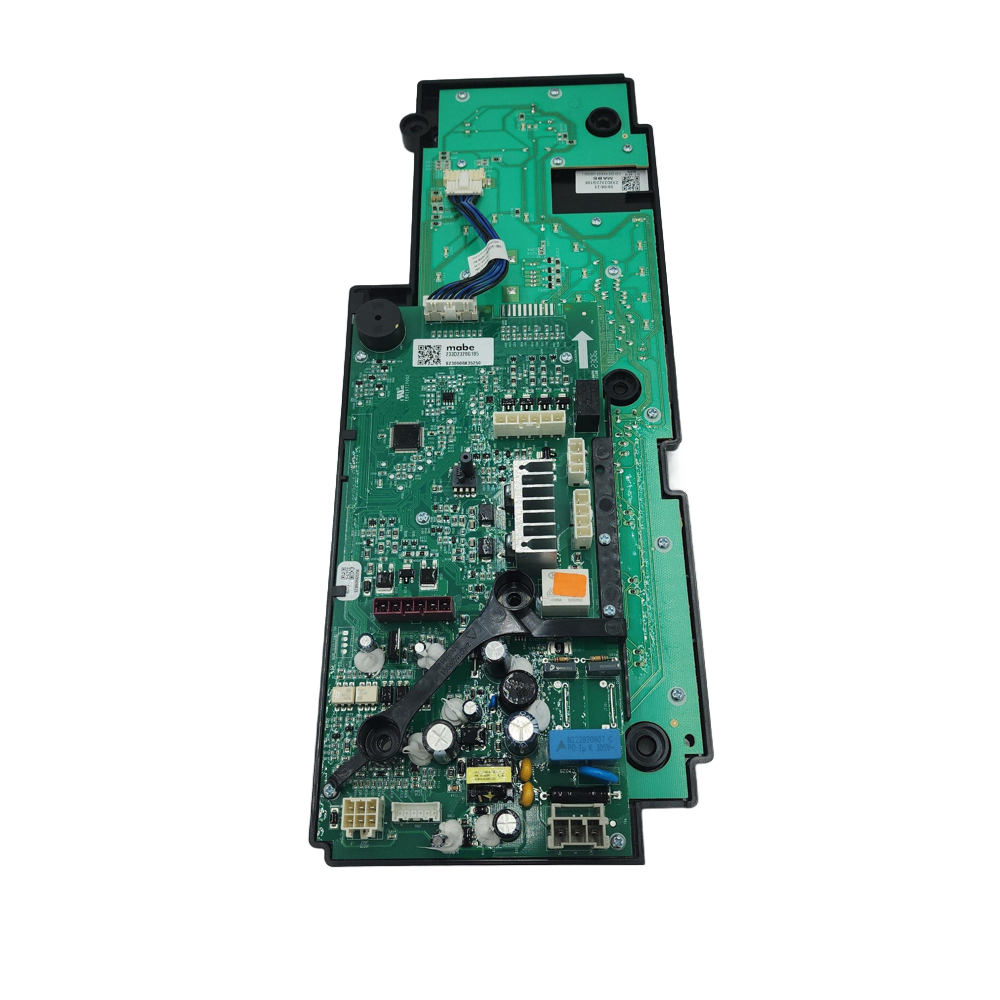
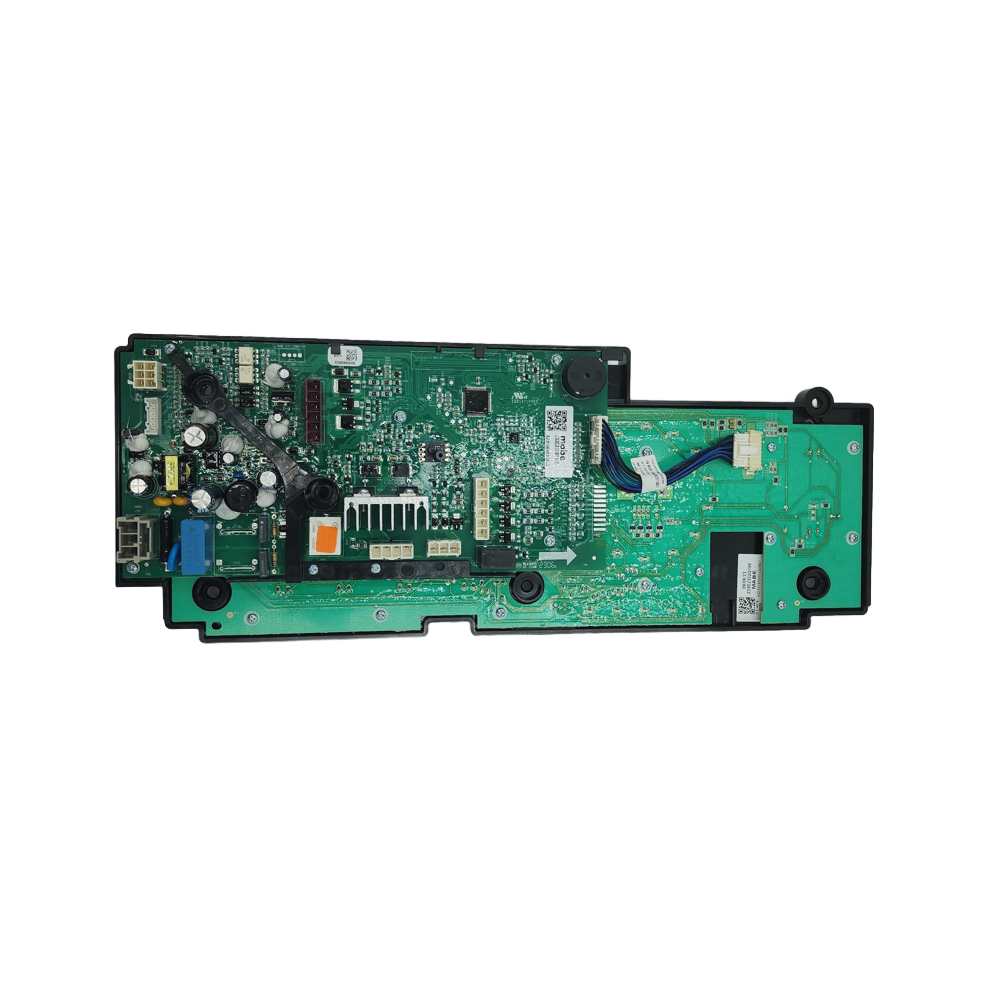
GE Washer Chassis and Board Assembly WW01F02073, Fixes Washer not starting — pressing Start does nothing
GE OEM chassis and electronic control-board assembly for selected top-load washers. The service documentation identifies WW01F02073 as the service part for GTW680 and GTW685 washer configurations, with engineering part number 233D2322G106.
Part WW01F02073Replaces 233D2322G106GE
Guaranteed to Fit — or your money back.
Confirm your full appliance model number before ordering.
Confirm your full appliance model number before ordering.
Is This the Right Part?
Part NumberWW01F02073
Replaces233D2322G106
ManufacturerGE
Appliance TypeWasher
Part TypeChassis and Board Assembly
✅ Cross Reference Information
Current Part NumberWW01F02073
Replaces233D2322G106
Common Symptoms
- Washer not starting — pressing Start does nothing
- Controls not responding or buttons unresponsive
- Cycle stopping unexpectedly or not advancing to the next stage
- Washer filling with water but not agitating or spinning
- Intermittent operation — works sometimes, fails other times
- Repeated or unexplained error codes
- Individual outputs (motor, valve, pump) not receiving activation signals when the component itself tests good
Check Before Replacing
- Verify incoming power — confirm 120V AC at the main input before suspecting the board
- Test the lid-lock assembly — a failed lid lock is a common cause of no-start symptoms and is far less expensive to replace
- Inspect all wiring harnesses and connectors for bent pins, corrosion or loose connections
- Check the drain pump, water-inlet valve and pressure system — the board should be diagnosed after ruling out these components
Part Details
Part NumberWW01F02073
Part TypeChassis and Board Assembly
ManufacturerGE
Appliance TypeWasher
Verified Compatible Models
GTW680BMR0DG, GTW680BMR0WS, GTW680BMR1DG, GTW680BMR1WS, GTW680BMR2DG, GTW680BMR2WS, GTW685BMR0WS, GTW685BMR1WS, GTW681BMR0DG, GTW681BMR0WS
Fitment reminder: Match the complete appliance model number, including suffix or revision where applicable, before ordering.
Buy Online Pick Up In-Store
Address
101 Trillium Dr
Kitchener, Ontario N2E 1W8
Kitchener, Ontario N2E 1W8
Phone
Hours
Mon–Fri 9 AM–5 PM • Sat 9 AM–1 PM



