




WASHER NOT STARTING — NO RESPONSE WHEN CYCLE IS SELECTED AND STARTED
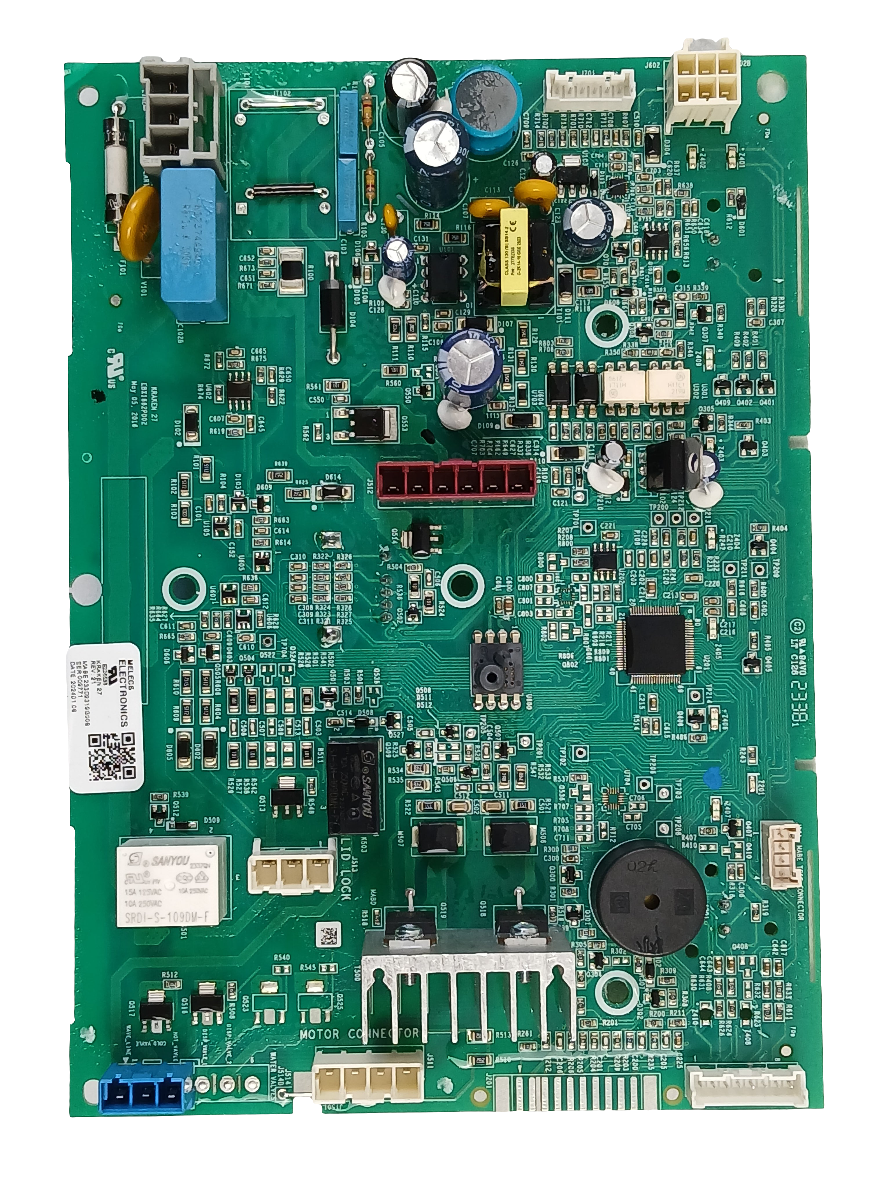
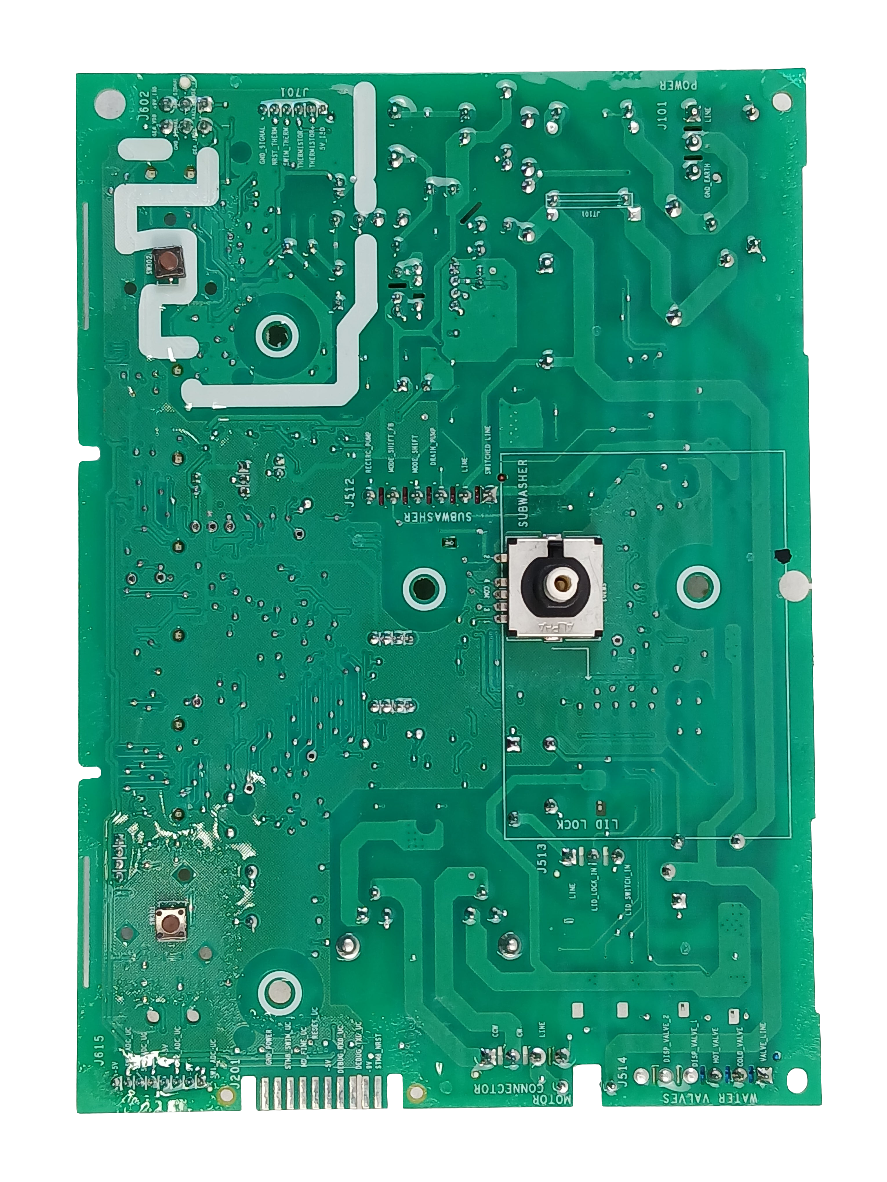
GE Washer Triac Control WW01F01906, Fixes Washer not starting — no response when cycle is selected and started
Genuine OEM GE washer triac control/control board. Retailer documentation associates it with no-start, improper-washing, and abnormal cycle-duration symptoms.
Part WW01F01906Replaces 233D2319G006GE
Guaranteed to Fit — or your money back.
Confirm your full appliance model number before ordering.
Confirm your full appliance model number before ordering.
Is This the Right Part?
Part NumberWW01F01906
Replaces233D2319G006
ManufacturerGE
Appliance TypeWasher
Part TypeWasher Triac Control
✅ Cross Reference Information
Current Part NumberWW01F01906
Replaces233D2319G006
Common Symptoms
- Washer not starting — no response when cycle is selected and started
- Washer fills with water but will not agitate
- Washer not entering spin or stopping before spin completes
- Washer stopping mid-cycle or not advancing through the selected cycle
Check Before Replacing
- Confirm the lid lock engages and releases correctly — a failed lid lock prevents agitation and spin on most models
- Check for error codes on the control panel and look up the code in the service manual before assuming the board is defective
- Inspect wiring harness connectors at the board for corrosion, loose pins or heat damage
- Verify the drive motor and speed sensor are functioning — motor and sensor faults produce identical no-agitate and no-spin symptoms
Part Details
Part NumberWW01F01906
Part TypeWasher Triac Control
ManufacturerGE
Appliance TypeWasher
Verified Compatible Models
GTW460BMM0WW, GTW460BMM1WW, GTW465BMM0WS, GTW465BMM1WS, GTW470BMM0DG, GTW470BMM1DG, GTW485BMM0WS, GTW485BMM1WS, GTW495DMN0WS, GTW495DMN1WS, GTW560BMM0WW, GTW560BMM1WW
Fitment reminder: Match the complete appliance model number, including suffix or revision where applicable, before ordering.
✅Compatibility & Cross Reference
Not sure about your model number? Call 1-877-899-7278 and we’ll help you confirm. All brand names are the property of their respective owners and are used for compatibility reference only.
Buy Online Pick Up In-Store
Address
101 Trillium Dr
Kitchener, Ontario N2E 1W8
Kitchener, Ontario N2E 1W8
Phone
Hours
Mon–Fri 9 AM–5 PM • Sat 9 AM–1 PM



- Choosing a selection results in a full page refresh.


